
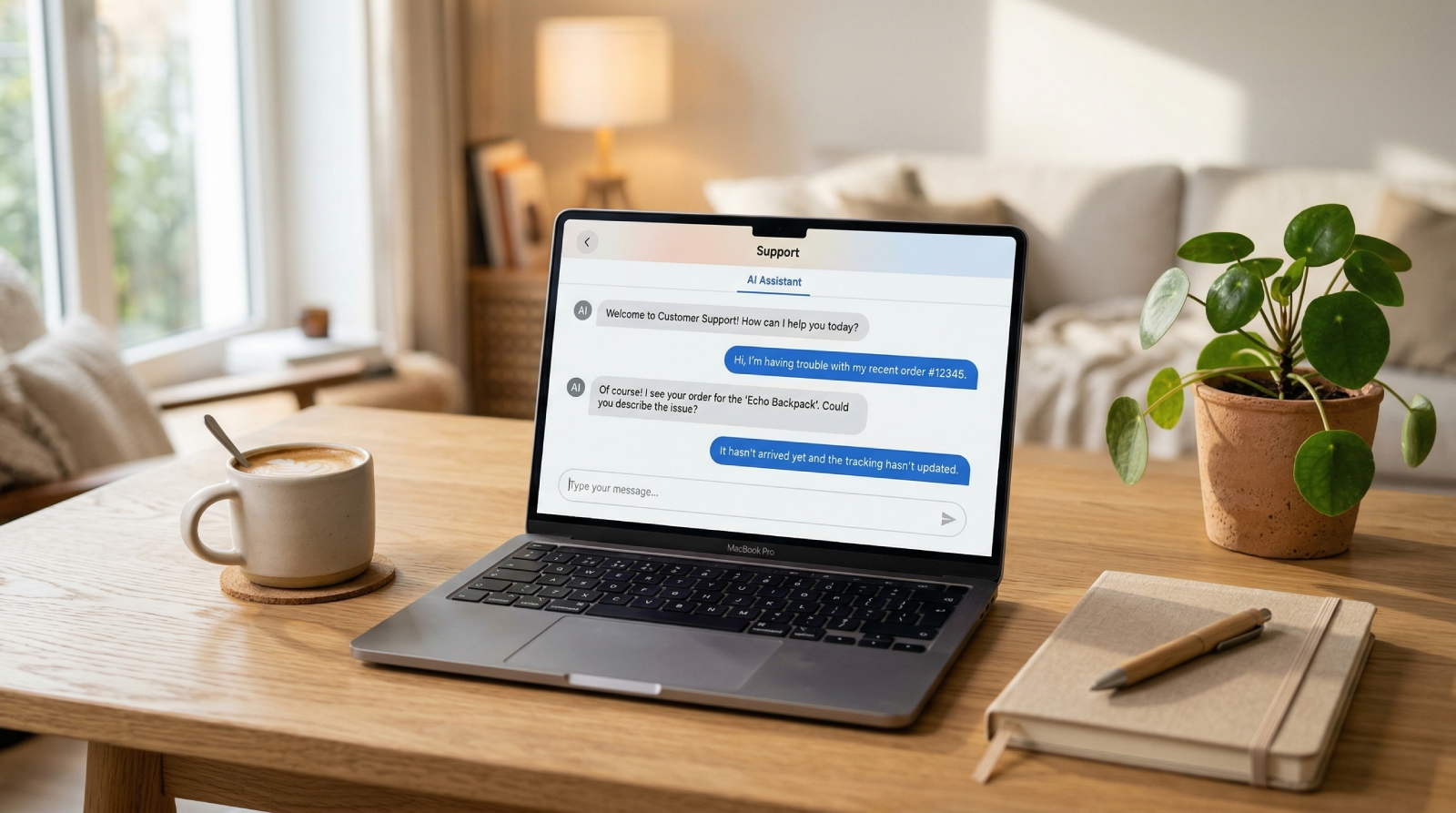
AI Helpdesk for Small Business: What to Look for and Why It Works
 Voxe Team· April 13, 2026
Running support at a small business without an AI helpdesk is a math problem that doesn't add up. You can't hire a dedicated support team. You can't staff a 24/7 inbox. You can't justify the per-seat pricing on enterprise helpdesks built for companies with 50-person CX departments. But your customers — trained by Amazon, Shopify storefronts, and every SaaS app they subscribe to — expect fast answers regardless of how many people you have on payroll.
That gap is where small businesses lose customer trust quietly. Not in dramatic product failures or public complaints. In the three-hour response time on a Wednesday evening. In the "someone will get back to you" reply that arrives the next morning. In the abandoned cart because a sizing question sat unanswered for 20 minutes while the customer moved on to a competitor who had a chat widget.
An AI helpdesk doesn't solve every small business support problem. But it solves the specific one that's most expensive: the coverage gap between the hours your team is online and the hours your customers have questions. Done right, it handles the routine 70–80% of inquiries automatically, routes complex issues to the right person, and costs a fraction of what a part-time hire would.
TL;DR
- 72% of customers expect a response within minutes when contacting support — a standard most small business teams can't meet without automation (Zendesk CX Trends Report, 2024)
- 80% of high-performing service teams now use AI or automation to handle repetitive requests — up from 57% in 2022 (Salesforce State of Service, 2024)
- An AI helpdesk on a flat-rate plan costs $49.99–$119.99/month — under 10% of the annual cost of a single part-time support hire
- Voxe's Starter plan includes 2 active support chats, 5,000 API calls per month, and 2 helpdesk agent seats with no per-seat charge on top
Can a Small Business Actually Afford AI Support?
Yes — but the pricing model matters as much as the headline number. Per the 2024 Gartner Digital Markets SMB Software Survey, 68% of small business operators cite unpredictable costs as the primary reason they abandon SaaS tools within the first year. Per-seat pricing and per-resolution billing both create exactly that unpredictability. The number that looks manageable on the pricing page becomes something else once you've added users, hit a busy month, or discovered that the feature you actually need lives behind a higher tier.
The honest cost comparison:
| Option | Annual Cost | Coverage |
|---|---|---|
| Part-time support hire (US) | $15,000–$25,000 | Business hours only |
| Enterprise helpdesk (per-seat, 2 agents) | $1,800–$4,800 | Business hours only |
| AI helpdesk, coverage-based (Starter) | $600 | 24/7, all channels |
| AI helpdesk, coverage-based (Team) | $1,440 | 24/7, all channels |
The ROI case doesn't require the AI to handle everything. It only requires that it handle the questions it can answer reliably — order status, shipping policy, pricing, return procedures — so your one or two human team members spend their hours on conversations that genuinely need human judgment. What customer support actually costs when you add up salaries, tools, training, and overhead makes this ROI case concrete: the gap between a fully-loaded hire and an AI helpdesk tier is significant.
Per-Seat vs. Coverage-Based Pricing for Small Teams
Per-seat pricing charges you for each person who logs into the helpdesk — including bots, which most platforms now count as seats. Add a seasonal contractor during peak: another seat charge. Add an AI chatbot: another line item. The structural math on per-seat pricing breaks fast for any team trying to grow without proportional headcount increases, and small businesses hit that wall early.
Coverage-based pricing charges for system access — active support chat count and monthly API call volume bundled into the tier, with human agents included. Voxe's Starter plan ($49.99/month) includes 2 active support chats, 5,000 API calls per month, and 2 helpdesk agent seats. The AI handling 600 conversations in a month costs the same as it handling 60. That predictability is what makes budget planning possible for teams without a finance department.
What Should a Small Business Look for in an AI Helpdesk?
The evaluation checklist for enterprise and small business AI support tools is almost entirely different. Salesforce State of Service (2024) found that small business support teams rank ease of setup (71%) and pricing transparency (64%) as their top two criteria — both above feature depth. That's a rational priority order. A feature-rich tool that takes three months to configure is worse than a simpler tool that works in a week.
Easy knowledge base setup. The AI's quality is entirely determined by what it knows. For a small business, that means uploading existing materials — FAQ docs, product PDFs, return policy text, onboarding guides — and having the AI chunk and index them automatically. What goes into a well-structured AI knowledge base, and how to maintain it without dedicated resources is the foundation of a useful deployment — not the chat interface itself.
Integrations with tools you already use. A small e-commerce business runs on Shopify or WooCommerce. A small SaaS runs on HubSpot or Pipedrive. The AI helpdesk needs to connect to those systems to answer real customer questions — order status, subscription details, payment history — not just generic policy information from a static document.
Human escalation that doesn't lose context. When the AI hits something it can't handle confidently, the conversation needs to transfer to a human agent with full history intact. The customer shouldn't re-explain their situation. A chatbot that goes silent or drops context at escalation is worse than no chatbot — it adds friction at exactly the moment the customer most needs continuity.
A pricing model that doesn't punish growth. As your small business grows, support volume grows too. The helpdesk pricing should not create a financial event every time that happens.
The Real Bottleneck: Knowledge Base Setup Isn't What You Think
The bottleneck isn't content creation — it's recognizing what you already have. Most small businesses have the raw material for an AI knowledge base in files they use every week: an FAQ page, a returns policy, product spec sheets, shipping guides, email templates they've sent a thousand times. The work isn't writing anything new. It's uploading what already exists. According to Salesforce's 2024 State of Service, the five most common SMB support questions (order status, returns, product specs, pricing, and account access) are exactly the categories that standard business documentation covers.
Voxe's knowledge base accepts PDF, DOCX, TXT, Markdown, CSV, and JSON. Each file is chunked at 1,000 tokens with 200-token overlap for context continuity, then embedded and indexed for cosine similarity retrieval. When a customer asks a question, the AI retrieves the most relevant chunks from your uploaded documents and generates an answer from that source material directly.
The practical implication: your return policy PDF becomes a source the AI quotes. Your product spec sheet becomes something the AI searches when a customer asks about compatibility. Your shipping rates document becomes the answer to "how much does delivery cost?" You don't write AI content. You give the AI your business content and it learns from it. Small businesses stalled on AI helpdesk setup are usually waiting to "create content for the AI" — when they just need to upload the files they already have.
What the AI Handles From Day One
A realistic first-week deployment scope for a small business:
| Category | Examples | AI-handled? |
|---|---|---|
| Order & shipping | Status checks, delivery estimates, tracking | Yes (with Shopify/WooCommerce) |
| Returns & refunds | Policy questions, how to initiate | Yes (from policy docs) |
| Product info | Specs, compatibility, availability | Yes (from product docs) |
| Pricing & plans | What's included, upgrades, billing | Yes (from pricing docs) |
| Booking & demos | Scheduling calls, meeting confirmation | Yes (with Calendar integration) |
| Complaints & disputes | Billing errors, damage claims | Escalate to human |
| Complex account issues | Technical problems, chargebacks | Escalate to human |
Getting that split right from the start — not trying to automate everything — is what produces a useful deployment rather than a frustrating one.
How Does the AI Hand Off to a Human?
Escalation is where most small business AI helpdesk deployments break down. According to Gartner's 2024 Customer Service Technology report, 67% of customers who contact support via chat say the worst experience is being transferred and having to repeat their problem from scratch. An AI that can't escalate gracefully — with full conversation context passed to the human agent — doesn't save work. It creates it.
The right escalation sequence:
- The AI recognizes the limits of its confidence — no relevant knowledge base match, or a signal like "charged twice," "broken," or "cancel my account"
- The AI acknowledges the situation and sets an expectation
- The conversation transfers to the human helpdesk with full chat history visible
- The human agent picks up with complete context — no reintroduction required
Here's what a clean escalation looks like in practice:
Customer: I was charged twice for my order last week and I need this fixed today.
AI: I can see your concern about the duplicate charge — that needs to be handled directly by our team so they can access your payment records. I'm transferring you now and they'll have this full conversation. One moment.
That handoff — brief, clear, context intact — is the difference between a customer who feels handled and one who feels abandoned. Voxe routes escalations through Chatwoot at chatvoxedesk.com. The human agent sees the complete conversation before they type a single word. What makes AI-to-human escalation work, and when to keep humans in the loop is the same whether you have one support agent or twenty.
What Does This Actually Cost at Small Business Scale?
The Starter plan at $49.99/month covers 5,000 API calls per month across 2 active support chats, with 2 helpdesk agent seats included. For most small businesses handling under 1,000 support conversations per month, that's the entire support operation — AI and human — in a single line item under $50. A business at that volume, switching from a per-seat helpdesk plus separate AI tool, typically cuts its monthly support software spend by 60–70%.
The Team plan at $119.99/month scales to 10,000 API calls per month, 5 active support chats, and 3 human agent seats — the right fit for a growing e-commerce brand or a SaaS with 2,000–5,000 active users.
| Plan | Monthly | API Calls/Month | Active Support Chats | Helpdesk Agents | Best For |
|---|---|---|---|---|---|
| Starter | $49.99 | 5,000 | 2 | 2 | Solo operators, early-stage |
| Team | $119.99 | 10,000 | 5 | 3 | Growing small businesses |
| Business | $229.99 | 40,000 | 10 | 5 | Multi-product or high-volume |
When volume exceeds the included quota, additional chats are billed at raw API cost with no markup. No support degradation, no chatbot shutoff, no surprise penalty rate. A seasonal spike in December doesn't blow the budget.
How small e-commerce businesses handle peak-season support surges without adding headcount is one of the clearest illustrations of where this pricing model creates real operational stability — exactly when you need it most.
FAQ
What is an AI helpdesk for small business?
An AI helpdesk for small business is a support system that uses an AI chatbot to handle incoming questions automatically — drawn from a knowledge base built from your existing documents — while routing complex issues to a human agent with full conversation context. Unlike traditional helpdesks that charge per seat or per resolution, the best small business options use flat-rate pricing that doesn't scale with how many conversations the AI handles.
How long does it take to set up an AI helpdesk for a small business?
For most small businesses, a basic deployment — AI trained on existing docs, chat widget embedded, human escalation configured — takes 1–3 days. The primary work is uploading existing content: FAQ pages, return policies, product specs, shipping information. Voxe's 14-day free trial is long enough to go from zero to a functioning AI handling real customer conversations before any payment is required.
What types of questions can an AI helpdesk handle for a small business?
An AI helpdesk handles well-documented, repeatable questions: order status, shipping timelines, return procedures, product specifications, pricing comparisons, and scheduling. It should escalate anything requiring account-level investigation, financial disputes, or goodwill decisions. Getting the escalation threshold right — not trying to automate everything — is what separates a useful AI deployment from a frustrating one.
Do I need technical skills to set up an AI helpdesk?
No. Uploading documents and embedding a chat widget requires no coding. Shopify, WooCommerce, and most CMS platforms accept a JavaScript snippet that installs in minutes. CRM integrations like HubSpot or Pipedrive connect via an API key. The AI configuration — confidence thresholds, escalation triggers, conversation tone — is all handled through a settings interface, not code. If you can manage a Shopify store, you can configure this.
What happens when the AI can't answer a customer's question?
The AI escalates to a human agent through the integrated helpdesk, with the full conversation history transferred automatically. The customer doesn't repeat themselves. The human agent sees everything: what the customer asked, how the AI responded, and why it escalated. In Voxe, this routes to Chatwoot at chatvoxedesk.com, where human agents manage all escalated conversations with full context from the start.
Is a free trial available before committing to a plan?
Yes — Voxe offers a 14-day free trial with no credit card required. The trial includes the core AI helpdesk features, knowledge base setup, and the human escalation helpdesk. It's enough time to upload your documents, configure the chatbot, embed the widget, and see it handle real customer conversations before making any payment decision.