
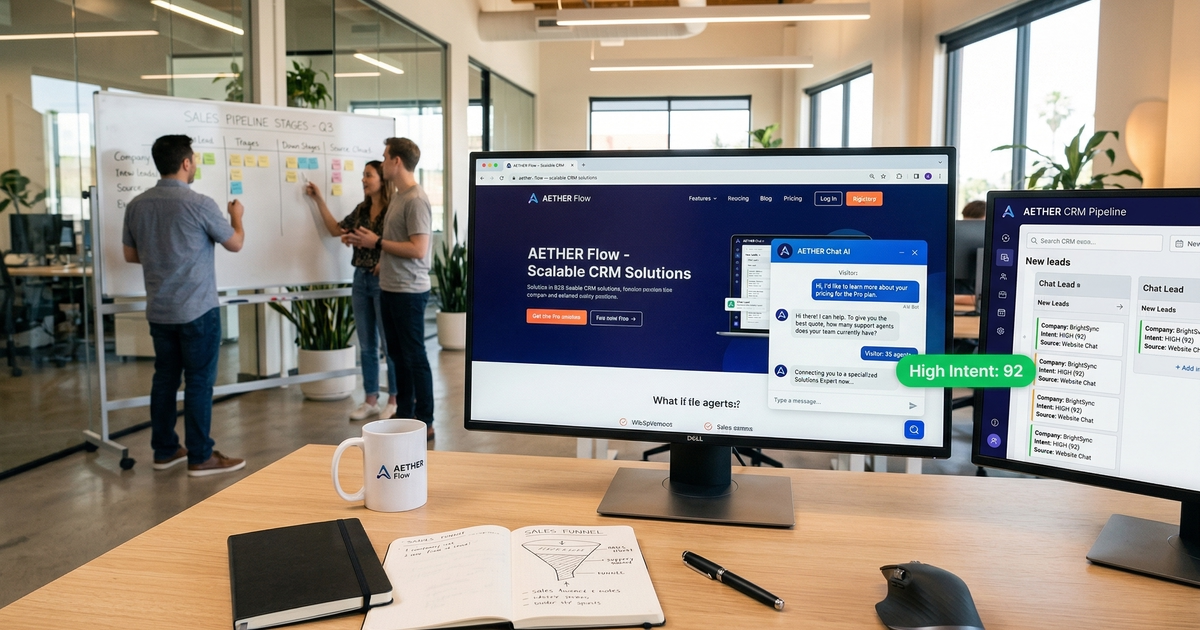
Turn Website Visitors Into Leads With AI Chat
 Olga Taran· April 7, 2026
Your AI chat widget is probably answering questions about shipping times and password resets. Meanwhile, a prospect on your pricing page just left without talking to anyone. AI chat and website visitors represent one of the most underused top-of-funnel pairings in B2B sales — not because the technology isn't there, but because most teams configure it for support, not acquisition. That's a fixable problem, and this guide walks through exactly how to fix it.
TL;DR
- Companies that respond to leads within 5 minutes are 9× more likely to convert them, per Drift's Conversational Marketing report. This speed advantage translates directly to reducing the cost per customer acquisition — converting leads that would otherwise require expensive sales follow-up.
- Live chat carries a 73% customer satisfaction rate — the highest of any support channel, per HubSpot's State of Marketing.
- 69% of consumers prefer chatbots for quick brand communications, per Salesforce's State of Connected Customer.
- By 2027, chatbots will be the primary customer service channel for roughly 25% of organizations, per Gartner.
- Websites using proactive chat see 3× higher conversion rates than those relying on reactive chat alone, per Aberdeen Group research.
Why Most AI Chat Widgets Fail at Lead Generation
The default configuration for most AI chat deployments is deflection: answer FAQs, reduce ticket volume, keep customers away from human agents. That's a legitimate support goal. It's a terrible sales strategy. When a prospect lands on your demo page at 9pm and the chat widget opens with "How can I help you today?", nothing in the system is designed to recognize them as a potential buyer, ask the right qualifying questions, or route them to someone who can close.
The failure isn't the AI. It's the intent behind the setup.
Deflection mode vs. capture mode
Deflection-mode chat is optimized to close conversations. It tries to answer questions and end the interaction. Capture-mode chat is optimized to open relationships. It tries to understand who the visitor is, what they're evaluating, and whether they're worth routing to a sales rep. The same underlying AI can do either — the difference is in how the conversation flow is designed, which pages trigger the widget, what questions the bot asks, and where the conversation goes when someone matches your buyer profile.
Most teams configure deflection because that's the support team's priority. The fix is simple: give sales a seat at the configuration table.
What "qualified lead" means in a chat context
A qualified lead from chat has three components: an intent signal, context, and contact information. Intent signal means the visitor was on a high-value page — pricing, demo request, competitor comparison — not just the homepage. Context means you know something useful about their situation: company size, use case, timeline to buy. Contact information means you have a name and email, or a calendar booking. Any chat interaction that ends without all three hasn't generated a lead — it's generated a support ticket at best.
Step 1 — Identify Your High-Intent Pages
Not all website traffic is equally valuable. Someone reading a blog post about industry trends is in research mode. Someone on your pricing page comparing tiers is in evaluation mode. The job of AI chat is to intercept the second group, not the first.
High-intent pages follow a consistent pattern across B2B SaaS and service businesses:
- Pricing pages — The clearest buying signal on any site. If someone is reading your pricing tier breakdown, they are considering a purchase.
- Demo or free trial pages — Explicit intent. They've already decided they want to evaluate you.
- Competitor comparison pages — They're in a competitive review. Your chat can help them see why you win.
- Feature-specific pages — Signals that a use case is being actively researched.
- Case study and customer story pages — They're looking for proof. A chat interaction at this moment can answer the "does this work for companies like mine?" question directly.
Configure your AI chat triggers to activate on these pages with a different opening message than the one you use on your support center. "Looking at pricing? I can walk you through what's included at each tier and help you figure out which fits your team" is a fundamentally different opening than "Hi! How can I help?"
What not to do: don't fire chat on every page. A widget that pops on your blog, your about page, and your careers page trains visitors to dismiss it. Concentration beats ubiquity. Reserve proactive triggers for pages where a sales conversation has real value.
Step 2 — Design a Qualification Conversation Flow
A qualification flow is not a form. It's a structured conversation that arrives at the same information a form would collect, but without feeling like data extraction. The difference is sequencing and framing.
The three questions that qualify a B2B lead
There are three data points that, together, tell a sales rep whether a conversation is worth prioritizing:
- Company size or type — Are they in your ICP? A 10-person startup and a 2,000-person enterprise have different needs, different buying processes, and different deal values.
- Use case — What problem are they trying to solve? This tells you which product capability to lead with and whether you're actually a fit.
- Timeline — Are they buying in the next 30 days or just browsing? This determines routing urgency.
How to ask without feeling like a form
Frame each question as a natural follow-on to the previous answer. Start with the problem, not the paperwork.
- "What are you trying to solve — is this more of a [use case A] problem or a [use case B] problem?"
- "Got it. How big is the team that would be using this?"
- "Are you looking to get something in place in the next month or two, or still in the early research phase?"
Three questions. Conversational framing. Enough data to make a routing decision.
Branch logic: route based on qualification outcome
The conversation should branch at each answer. A 500-person company, evaluating for a core use case you own, with a 30-day timeline routes immediately to a human sales rep or a calendar booking link. A 3-person startup with a vague use case and no timeline routes to a relevant case study, a pricing FAQ, or a self-serve trial. Both outcomes are valuable — but they require different next steps, and conflating them wastes sales capacity.
Understanding what AI handles well in pre-sales interactions helps you set realistic expectations for where the bot can carry the conversation versus where it needs to hand off.
Step 3 — Configure Handoff to Your Sales Team
A well-qualified lead that sits in a chat inbox for four hours is the same as a lost lead. Speed is not a nice-to-have in this workflow — it's the mechanism. Per Drift's Conversational Marketing report, companies that respond to leads within 5 minutes are 9× more likely to convert them. The qualification flow is only half the system. The handoff is the other half.
Real-time routing vs. async handoff
Real-time routing means the AI hands off to a live sales rep mid-conversation, during business hours, when qualification signals are strong. This is the highest-conversion path. The rep joins the conversation with full context and can move a hot prospect to a demo booking immediately.
Async handoff means the AI completes the qualification, captures the lead, and delivers a structured summary to the rep's CRM or Slack for follow-up. This works for after-hours conversations or when no rep is available. It's lower-conversion than real-time but far better than nothing.
Use real-time routing for your highest-intent visitors — pricing page, demo page, strong ICP match. Use async for everyone else. The hybrid model of AI and human working in sequence is what makes both paths work without burning out your sales team.
What context to pass
When the AI hands off to a human — either live or async — the rep needs to know:
- Which page the visitor was on when chat triggered
- Every question the bot asked and every answer the visitor gave
- The bot's routing assessment (qualified / not qualified / needs review)
- Contact information captured (name, email, company)
A handoff without this context forces the rep to re-qualify from scratch. That's a bad experience for the prospect and a waste of the data the bot just collected.
Response time and why sub-5 minutes matters
Drift's 9× conversion stat is not an outlier — it reflects a documented behavioral pattern. B2B buyers who initiate a chat interaction are in an active decision moment. That moment has a short half-life. Every minute of delay increases the probability they've moved on to a competitor's site, gotten pulled into a meeting, or simply lost the thread. Build your response time SLA around this reality, not around what's convenient for your team's schedule.
Step 4 — Measure Lead Quality, Not Just Volume
Chat volume is an easy number to report and a nearly useless one to optimize. A widget that fires on every page and collects hundreds of email addresses from people who clicked away immediately has high volume and zero sales value. The metrics that tell you whether your capture-mode configuration is working are more specific.
The metrics that matter
| Metric | What it tells you |
|---|---|
| Chat-to-MQL rate | What percentage of chat conversations produce a marketing-qualified lead |
| MQL-to-SQL rate | What percentage of chat-sourced MQLs get accepted by sales as qualified |
| Time-to-first-response | How fast a human joins the conversation after AI qualification |
| Chat-sourced pipeline | Total deal value attributable to chat-initiated conversations |
| Drop-off rate by flow step | Where prospects abandon the qualification conversation |
Sales conversations vs. support conversations in reporting
Your CRM and chat analytics need to distinguish between conversations that started on high-intent pages with a lead-capture trigger and conversations that started on your help center with a support trigger. Mixing these numbers produces averages that explain nothing. Segment by page type, by trigger type, and by routing outcome. Support deflection and lead qualification are different workflows — measure them separately.
What a healthy benchmark looks like
Benchmarks vary by industry and traffic quality, but a tuned capture-mode configuration should produce a chat-to-MQL rate of 15–25% from high-intent pages. If you're below 10%, the problem is usually the qualification flow — either the questions aren't qualifying or the routing branch logic isn't working. If you're above 30%, you may be over-qualifying (too many prospects routed to sales who aren't ready) or your traffic quality is unusually high.
Step 5 — Iterate: What to Optimize After Your First 30 Days
The first 30 days of a capture-mode chat setup are data collection. You'll have enough volume to see patterns, but not enough to draw firm conclusions. Month two is when optimization starts.
Review drop-off points in the qualification flow
Every conversation that ends before completing the three qualifying questions is a drop-off. Pull the data: which question causes the most abandonment? A question that reads as too invasive, too vague, or too early in the conversation will show up clearly in drop-off rates. Rewrite the framing on the highest-drop question and run it for another two weeks.
Test trigger timing
An immediate pop-up on page load interrupts visitors before they've read anything. It signals that you want their data, not their attention. A 30-second delay — triggered after the visitor has had time to read the pricing tier table or scroll through the case study — feels more like a contextually relevant offer than an interruption. Test both. Per Aberdeen Group research, proactive chat (triggered by behavior rather than time alone) produces 3× higher conversion rates than reactive chat. The trigger logic matters as much as the conversation flow.
Tune the knowledge base to answer pre-sales objections
The most common pre-sales questions — "how does this compare to [competitor]?", "does this integrate with [tool]?", "what does implementation look like?" — are predictable. If your AI is failing to answer them confidently, the problem is the knowledge base, not the AI. Building a knowledge base specifically optimized for pre-sales conversations means loading it with competitive positioning content, integration documentation, implementation timelines, and customer proof points — not just your FAQ and product documentation.
Review the conversations where the AI gave incomplete or inaccurate answers. Cluster them by topic. Those clusters are your knowledge base gaps. Filling them systematically is the highest-leverage improvement activity after the first month of data.
FAQ
Can AI chat really qualify B2B leads effectively?
Yes, within limits. AI chat handles the mechanical work of qualification well — asking structured questions, collecting answers, assessing against a threshold, and routing accordingly. It does not replace the judgment a senior sales rep applies to a nuanced conversation. The right model is AI qualifies, human closes. Forrester research shows B2B buyers conduct an average of 27 content interactions before making a purchase decision — chat can intercept several of those moments at scale, which no human team can match alone.
What's the difference between a chatbot and an AI chat agent for lead generation?
A traditional chatbot follows a fixed decision tree: question A leads to answer B, question C leads to answer D. If the visitor goes off-script, the bot fails. An AI chat agent uses a language model to handle open-ended questions, adapt to unexpected responses, and maintain a coherent conversation even when the visitor doesn't follow the intended flow. For lead generation, the practical difference is drop-off rate: rigid decision trees lose prospects at every branch point where they answer unexpectedly. AI agents recover and continue.
How do I avoid annoying visitors with chat pop-ups?
Three rules: trigger only on high-intent pages, wait at least 20–30 seconds before opening, and don't re-trigger the same session if the visitor dismisses the widget. An AI chat that opens on your pricing page after 30 seconds of reading, with a relevant opening message about the specific tier the visitor is viewing, is useful. An AI chat that opens immediately on every page visit, regardless of context, is noise. The difference is targeting, not technology.
What information should an AI chat collect to qualify a lead?
The minimum viable qualification dataset for a B2B lead is: name, work email, company size, primary use case, and buying timeline. Everything beyond that is nice-to-have and should be collected by the sales rep in the follow-up call, not by the bot in the initial conversation. Asking for budget range, tech stack details, or org chart information in a first chat interaction will increase drop-off without adding proportionate value to the lead.
How do I measure if my AI chat is generating leads?
Track chat-to-MQL rate from high-intent pages as your primary metric. Secondary metrics: MQL-to-SQL rate for chat-sourced leads (to measure quality, not just volume), time-to-first-response after AI qualification, and chat-sourced revenue in your CRM. If you only track chat volume or deflection rate, you are measuring cost reduction, not revenue generation. Set up revenue attribution before you launch the capture-mode configuration — retrofitting it after the fact is significantly harder.